Describe a clearly adult fictional subject, setting, opening composition, action, camera direction, pacing, lighting, and mood. Put the main action early and keep the first request to one coherent shot.
NSFW Text to Video for your original adult scenes.
Lured AI’s Text to Video workflow turns an original adult scene idea into a video request. Describe the subject, mood, one action, and camera movement for a sensual portrait, after-hours performance, or fictional scene.
By Lured AILast updated:
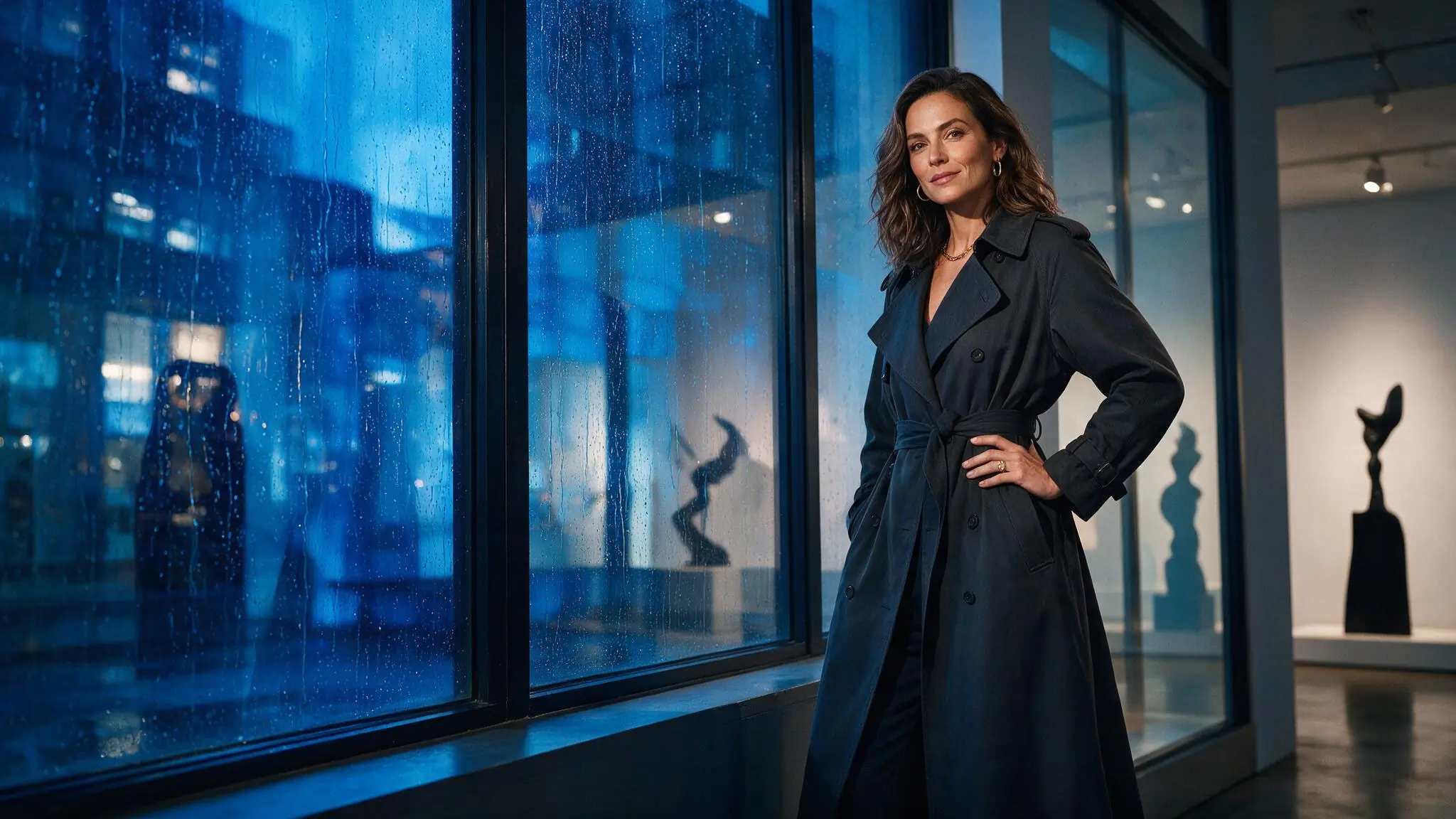
Write your adult scene as a focused shot
Give your adult AI video one clear direction. Establish the subject and atmosphere, then separate subject action from camera movement before choosing a model.
- 01
Define the adult scene
Name a clearly adult fictional subject, setting, wardrobe, mood, and opening composition. Use original concepts and authorized likenesses only.
- 02
Direct one clear movement
Describe the subject action and camera movement separately. A deliberate dolly, orbit, or tracking cue is easier to evaluate than several competing moves.
- 03
Review the live setup
Choose from the models, durations, aspect ratios, resolutions, and controls currently offered, then check the Credit estimate before submitting.
Three recorded Lured AI text-to-video scenes
The three homepage showcase clips came from recorded 5-second, 768p MiniMax H3 text-to-video requests. These shorter briefs follow the recorded direction; Demo notes compares the original prompts with the visible motion and measured files.
Swipe horizontally to explore all three examples.
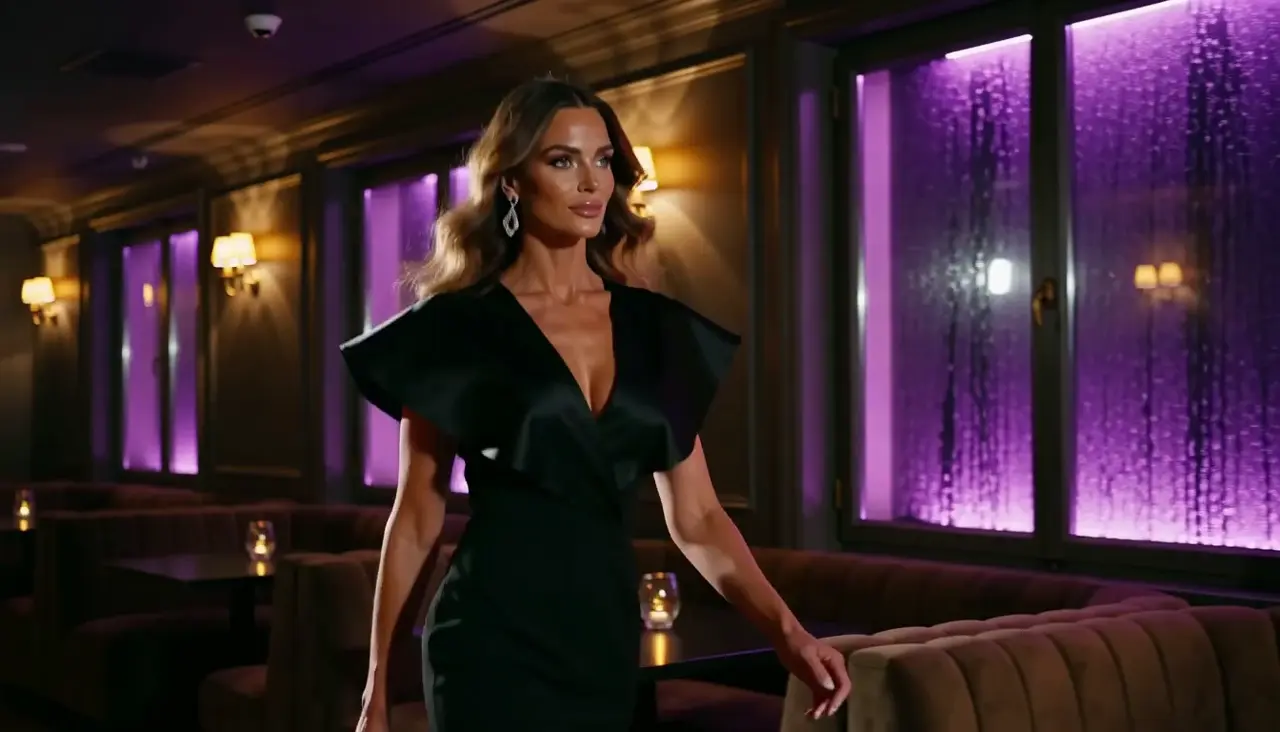
Violet lounge side track
PromptOne clearly adult fictional dancer in black eveningwear crosses a rain-lit violet lounge in a measured step. Track beside her and keep head-to-knee framing.
The selected clip shows lateral camera movement with the lounge windows moving behind the performer.
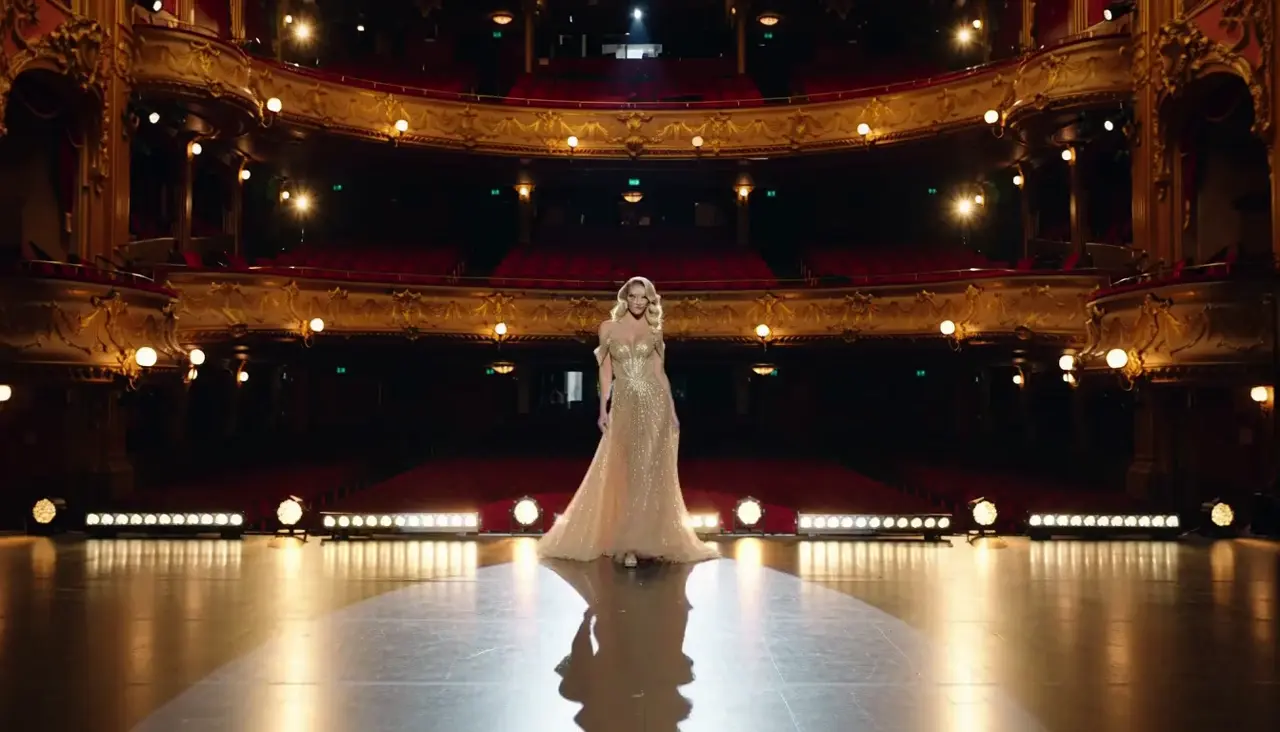
Amber theater entrance
PromptA clearly adult fictional performer enters an amber theater in a complete champagne gown. Start wide, move closer slowly, and ask for one shoulder turn.
The wide opening makes the stage visible before the camera approaches the performer.
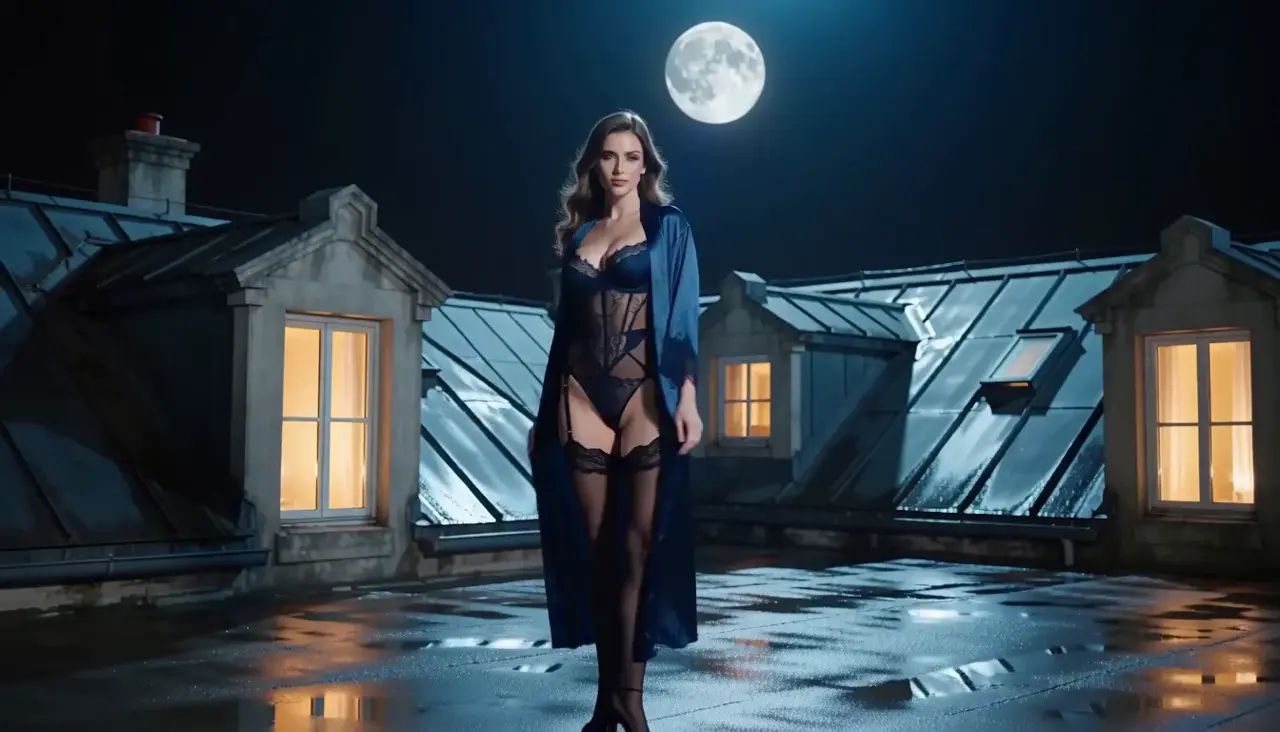
Moonlit rooftop turn
PromptA clearly adult fictional woman in a blue robe over dark lingerie turns on a moonlit rooftop, pauses, then steps toward camera. Keep the skyline stable.
The recorded request asked for an orbit; the selected clip reads more clearly as a turn and approach.
Text to Video settings for your adult scene
Choose duration, aspect ratio, and resolution around the shot you are testing. A shorter clip can isolate one movement; a wider frame can leave room for a tracking camera. Higher resolution alone will not correct an unclear prompt.
| Goal | Focus on | Why it helps |
|---|---|---|
| Validate one movement | A shorter available duration | A compact test makes it easier to judge whether the action and camera direction agree. |
| Frame for mobile viewing | 9:16 when the selected model offers it | Vertical framing keeps the subject prominent when the destination is a phone screen. |
| Show more environment | 16:9 when available | A wider frame gives tracking movement and surrounding space more room to read. |
| Control the Credit decision | Model and output configuration together | Review the live estimate after the full setup is selected, before submitting the request. |
Refine your adult AI video direction
When the result misses the mood, change one decision at a time. Keep model and framing stable while testing action, camera, pacing, or light so the effect of each revision is visible.
- Too much happens at once
- Keep one main subject action and one camera movement. Move secondary atmosphere to the end of the prompt.
- The camera feels unstable
- Remove competing directions such as orbit, tracking, and zoom from the same brief.
- The subject loses emphasis
- Lead with the subject and opening composition, then simplify background activity.
- The visual mood changes
- Use one lighting scheme and one clear visual reference instead of several conflicting styles.
NSFW Text to Video questions
Practical answers about adult AI creation, model settings, Credits, account access, and consent.
No source image is required for this workflow. The request begins with an original written concept and the settings offered by the selected model. If an exact starting composition matters more than inventing a scene from language, use an authorized source image in Image to Video instead.
Start with the scene and check which live model accepts the intended content. Then compare duration, framing, resolution, and controls. The selected model’s content rules and Credit estimate govern the request you can submit.
Reduce the brief to one subject action and one camera direction, then generate another controlled test. Keep the model and framing unchanged while you revise the prompt, which makes the difference easier to evaluate. Add atmosphere or secondary movement only after the central shot reads clearly.
Yes. You can inspect the generator while signed out. Sign in to submit a request; inputs and completed work are private by default.
The Workspace shows estimated Credits for the selected model and settings before submission. Change a setting to review the updated estimate.
Your adult scene starts with your own idea.
Write an original adult scene with one action, camera direction, and mood.