Use a clear adult image you created or have the rights and informed consent to process for the intended use. Check composition, silhouette, and room for motion. Never upload minors or non-consensual intimate material. The live Workspace shows the selected model’s file, size, quantity, and format requirements.
NSFW Image to Video from an authorized adult image.
Lured AI’s Image to Video workflow starts with an authorized adult still. The source sets appearance and composition; your motion prompt adds subject action, camera direction, and atmosphere.
By Lured AILast updated:
Turn an authorized adult still into an Image to Video motion brief
Choose an adult portrait or fictional scene you are authorized to animate. Let the source establish appearance; describe only the motion, camera, and pace you want to add.
- 01
Choose an authorized adult image
Use a clear image you created or have permission and informed consent to process. Check adulthood, crop, and composition before adding motion.
- 02
Describe motion, not the whole image again
State the subject action, camera direction, environmental movement, and pace. Keep the most important movement unmistakable.
- 03
Match the request to a live model
Review the current input requirements, output controls, and Credit estimate shown by the Workspace before generating.
One recorded Image to Video run and two scene directions
The first still is a Qwen Image source used in a completed MiniMax H3 Image to Video research run. The other two stills are planning references without verified video results.
Watch the recorded Image to Video resultSwipe horizontally to explore all three examples.
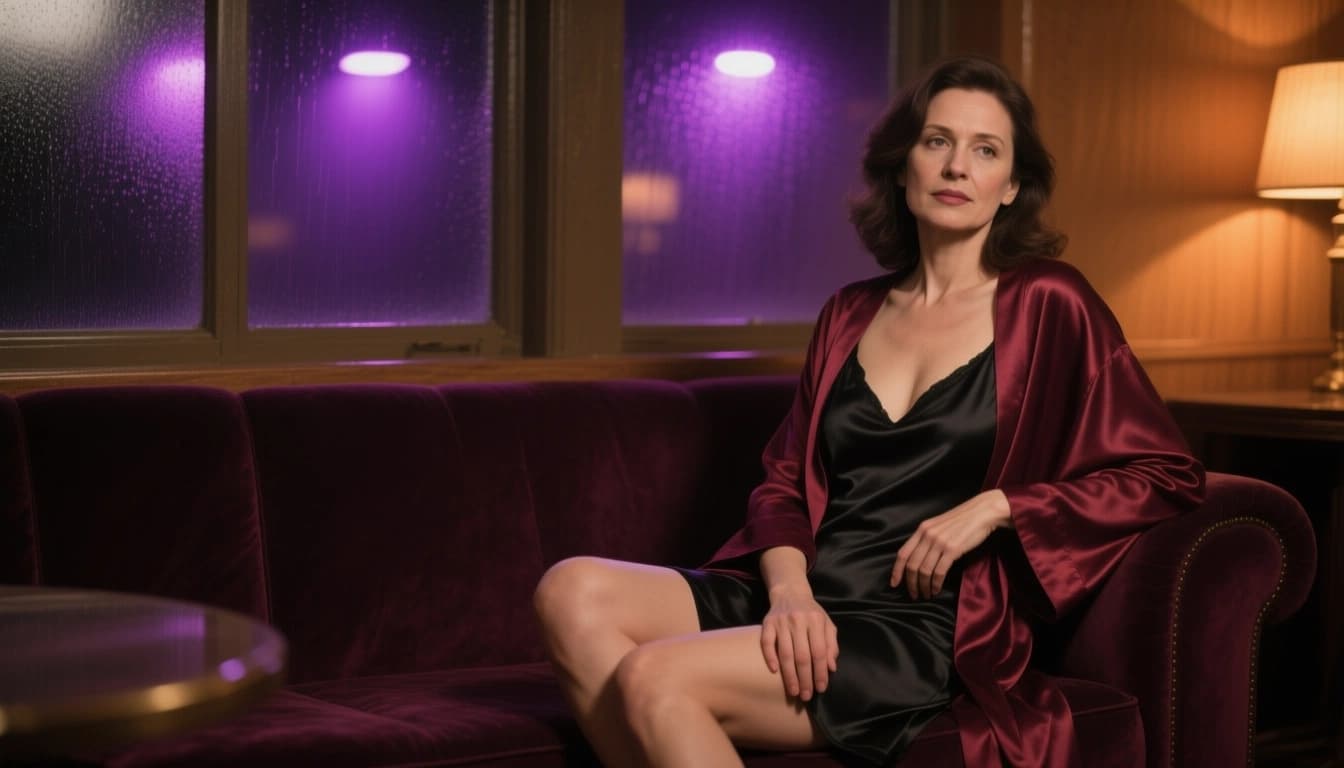
Boudoir still to motion
PromptKeep the adult subject seated in the lounge. Add a subtle smile and robe adjustment while the camera slowly moves closer; keep the satin dress covering.
The recorded video moves closer and lifts the robe farther than requested. See the source, original prompt, and measured result in Demo notes.
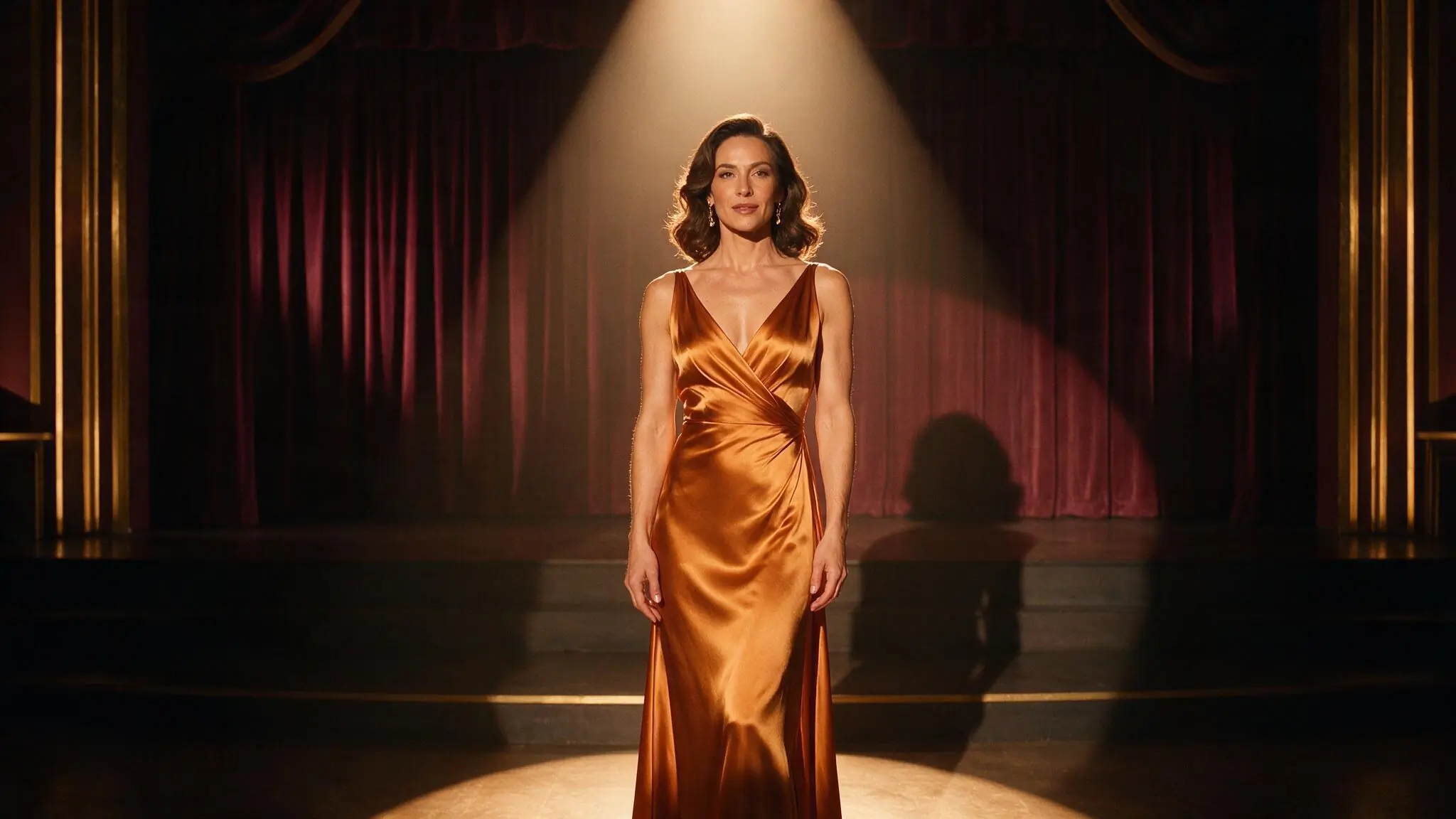
Adult portrait dolly-in
PromptMove the camera gently toward the performer; keep the stage centered as the gown and practical lights shift subtly.
A restrained prompt protects the strong symmetry already present in the source.
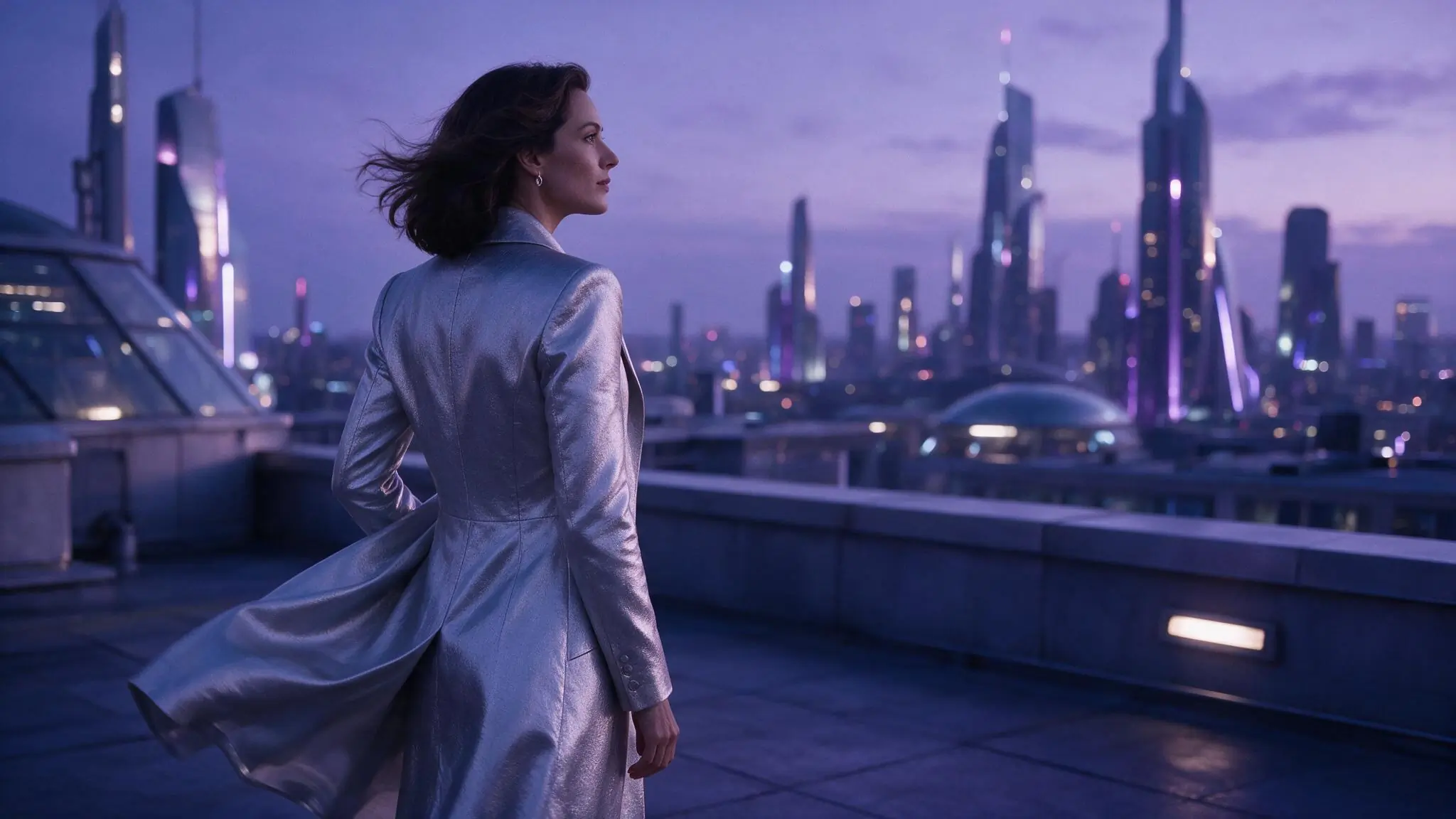
Moonlit silhouette orbit
PromptOrbit around the silhouette at a calm pace; retain the rooftop horizon while fabric and distant light move with depth.
Separating camera, subject, and background motion makes the brief easier to evaluate.
Image to Video settings for an adult source
Keep the output crop close to the source when continuity matters. Test one subject or camera movement at a time, then compare the duration, resolution, and Credit estimate offered for that setup.
| Goal | Focus on | Why it helps |
|---|---|---|
| Preserve a portrait emphasis | An aspect ratio close to the source crop | Avoiding a large framing change gives the motion prompt a clearer starting composition. |
| Reveal the environment | A wider available frame | More surrounding space gives a track, pan, or restrained orbit room to develop. |
| Test stronger motion | One model-supported movement at a time | Separating subject and camera experiments makes the result easier to compare. |
| Control the Credit decision | Source, model, duration, and output together | Confirm the complete live estimate before submitting the generation request. |
Refine motion in your adult AI clip
When portrait motion drifts, let the source carry appearance and describe only the intended change. Revise one variable at a time to assess source quality, motion, framing, and model behavior.
- The composition drifts
- Shorten the motion prompt and explicitly retain the source framing or strongest visual anchor.
- Body movement looks unnatural
- Reduce the motion range and ask for one deliberate action at a calmer pace.
- The background changes too much
- Name the environmental elements that should remain stable, then remove unnecessary scene descriptions.
- Camera movement overwhelms the subject
- Replace aggressive movement with a slow track, gentle dolly, or locked camera direction.
NSFW Image to Video questions
Practical answers about adult AI creation, model settings, Credits, account access, and consent.
Describe what the subject does, how the camera moves, what changes in the environment, and how fast the moment should feel. Distinguish those layers so one instruction does not contradict another. Avoid restating wardrobe, appearance, and visual details that are already clear in the source image.
Choose a live model that accepts your source and intended content. Compare duration, aspect ratio, resolution, input requirements, and supported controls. Content rules vary by model; review the full Credit estimate before submitting.
The output is a new generation rather than a guaranteed continuation of every source detail. Large motion, conflicting camera directions, dramatic crop changes, or an overloaded prompt can increase visible variation. Reduce the request to one movement and name the composition or visual anchor that should remain important.
Yes. You can inspect the generator while signed out. Sign in to submit a request; inputs and completed work are private by default.
The Workspace shows estimated Credits for the selected model and settings before submission. Change a setting to review the updated estimate.
Your adult image. Your motion direction.
Bring an authorized adult still and direct one clear movement.