Begin with a clearly adult fictional subject, setting, composition, and point of view. Explain the focal point before adding lighting, wardrobe, texture, and mood.
NSFW Text to Image for original adult creative concepts.
Lured AI’s Text to Image workflow starts with your concept. Define a clearly adult fictional subject, composition, lighting, and mood for a portrait, character study, or scene. Review the result as a standalone image or a starting frame for video.
By Lured AILast updated:
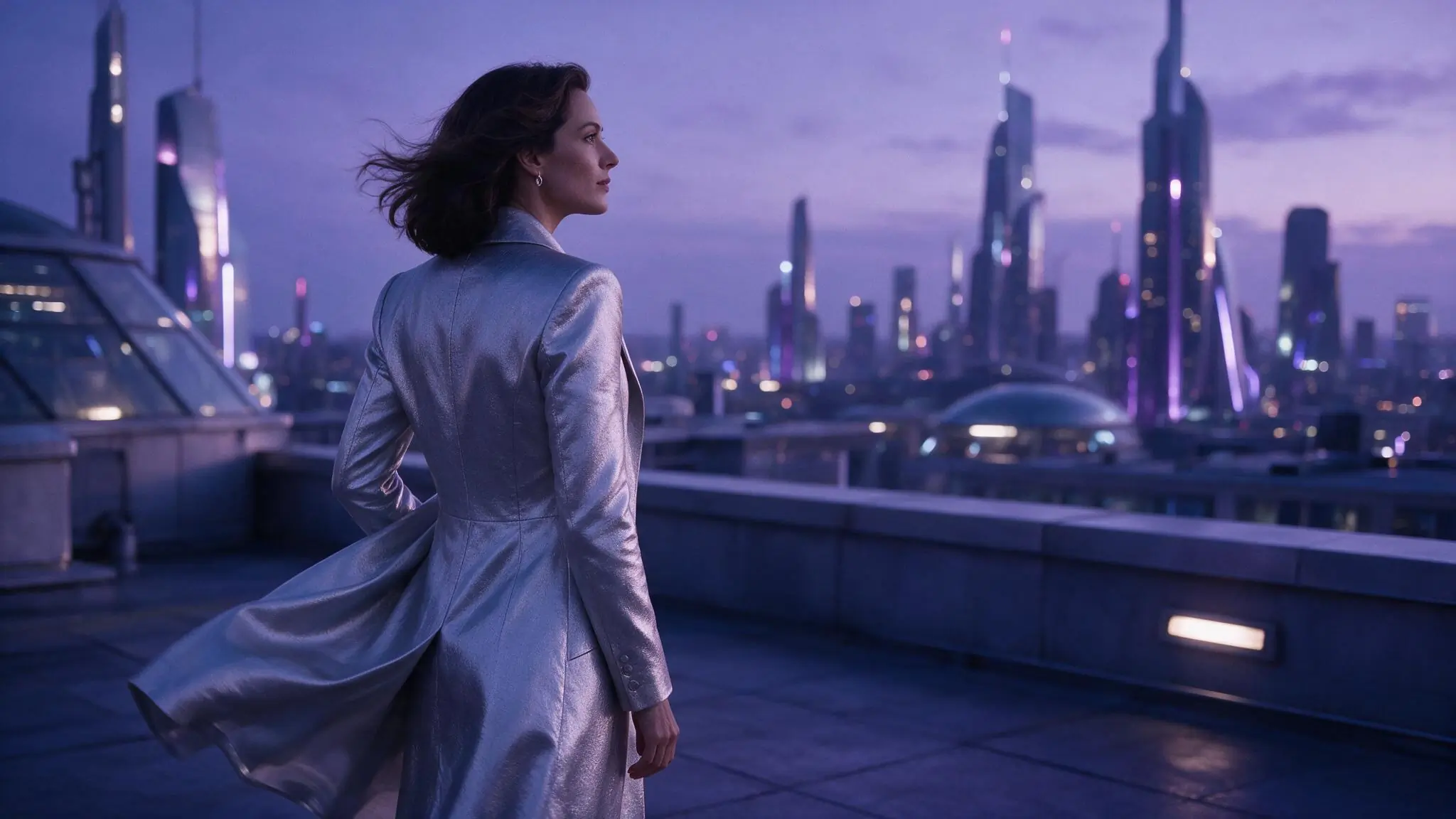
Build an original adult image from your prompt
Start with the subject and framing. Add wardrobe, light, and atmosphere only when they strengthen the composition.
- 01
Define your adult subject and composition
Name a clearly adult fictional subject, setting, point of view, and focal point. Keep likenesses original or explicitly authorized.
- 02
Add light and material with purpose
Use specific lighting, wardrobe, texture, and atmosphere only when they reinforce the composition rather than compete with it.
- 03
Review, save, then decide what follows
Generate with the live model setup and Credit estimate. A completed saved image can become an authorized starting point for Image to Video.
Three adult image prompt directions
Compare an editorial portrait, theatrical silhouette, and color-led character study. These are illustrative prompt directions, not verified generated outputs.
Swipe horizontally to explore all three examples.
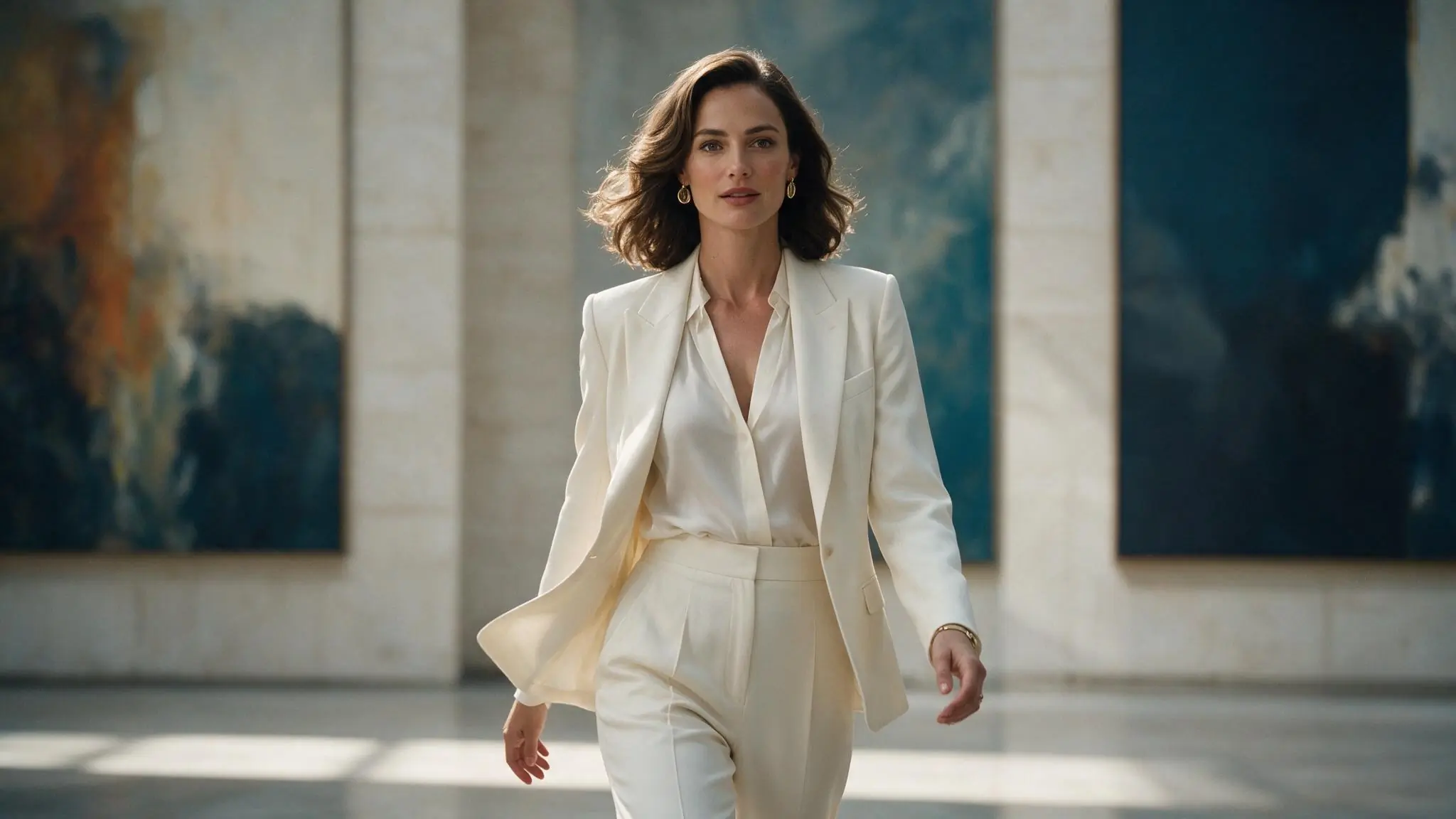
Adult editorial portrait
PromptFictional adult gallery director in an ivory suit, centered medium portrait, large blue abstract canvases, soft daylight, editorial realism.
Subject and framing come first; wardrobe and light support the hierarchy.
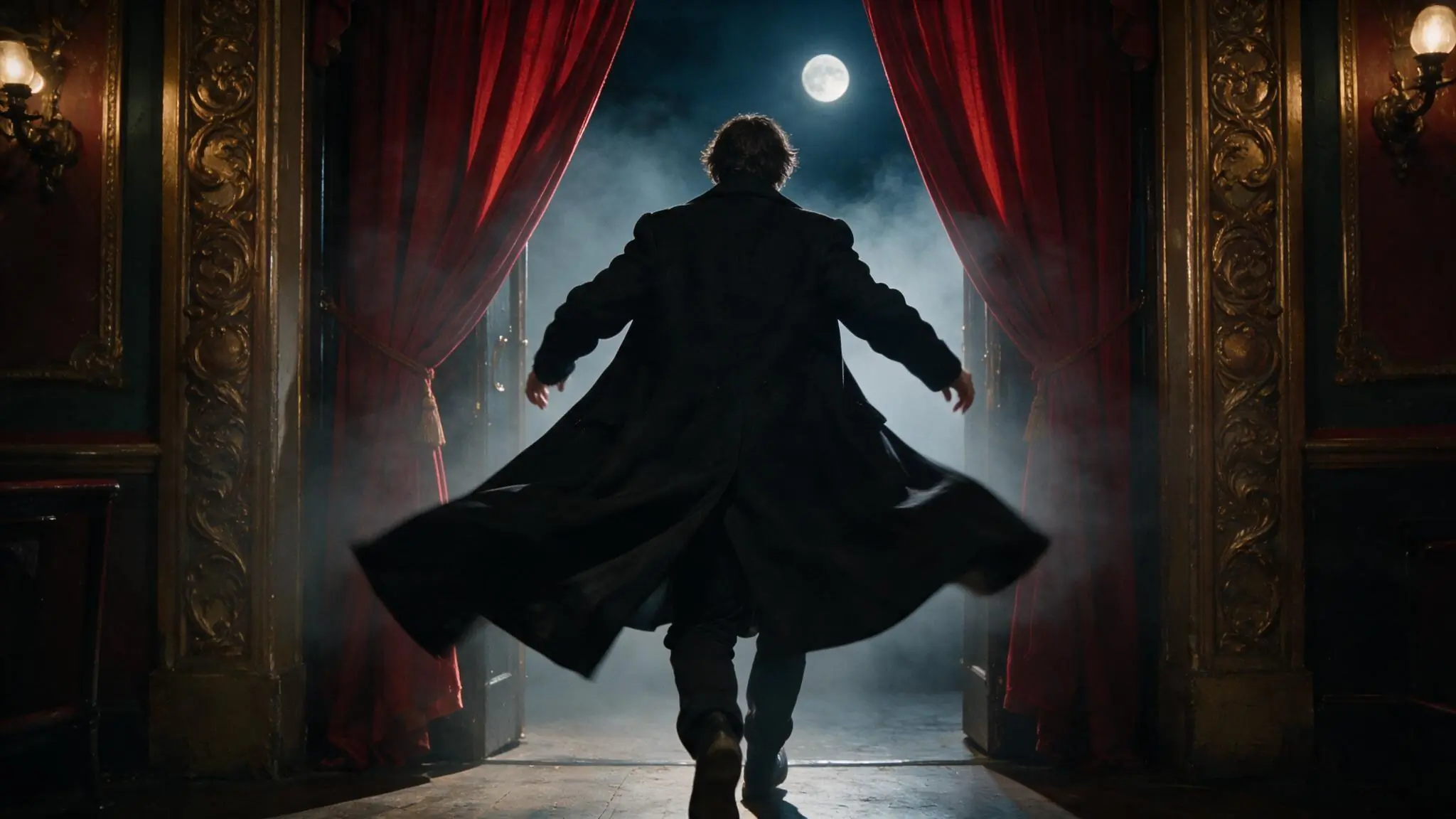
Adult theater silhouette
PromptFictional adult performer seen from behind entering a baroque theater, centered silhouette, red curtains, full moon, cinematic haze.
A simple silhouette and symmetrical frame establish the image before surface detail.
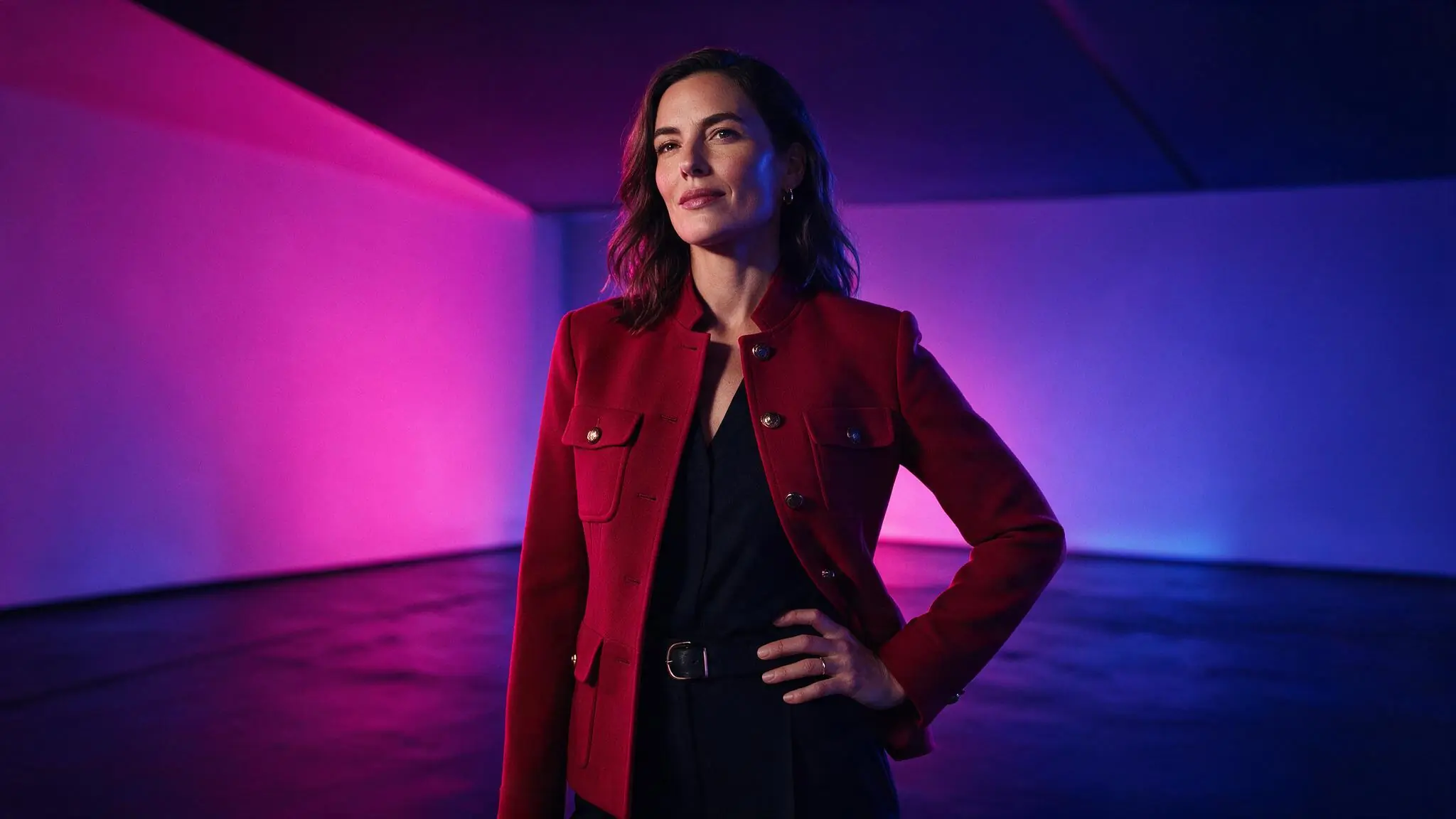
Fictional adult character study
PromptFictional adult creative director in a crimson jacket, three-quarter portrait, magenta and cobalt studio light, clean geometric background.
A limited palette gives the subject a clear edge without adding scene clutter.
Text to Image settings for adult creative work
Set the canvas around the portrait or scene you want to make. Keep the model and aspect ratio fixed when comparing prompt variations so changes in composition are easier to judge.
| Goal | Focus on | Why it helps |
|---|---|---|
| Create a focused portrait | Portrait-friendly framing when available | A deliberate crop gives the subject more visual authority and reduces unused background. |
| Build an environment-led image | A wider available aspect ratio | The setting can carry more narrative when it has enough room around the subject. |
| Prepare for a specific destination | The destination aspect ratio first | Choosing the canvas before prompting avoids composing important details outside the intended crop. |
| Compare prompt directions | Keep model and framing consistent | Changing only the prompt makes differences in subject, light, or mood easier to evaluate. |
Refine your adult image concept
When an image feels unfocused, clarify subject and composition before adding adjectives. Keep model and canvas stable while revising one decision, then check anatomy, framing, and mood in the result.
- The image has no focal point
- Lead with the subject, point of view, and composition before describing wardrobe or atmosphere.
- The frame feels cluttered
- Remove secondary objects and conflicting materials, then keep one supporting environment.
- The crop does not fit the destination
- Choose the intended aspect ratio first and restate where the subject should sit inside the frame.
- The style feels inconsistent
- Use one lighting direction and one visual treatment instead of combining several competing references.
NSFW Text to Image questions
Practical answers about adult AI creation, model settings, Credits, account access, and consent.
A completed saved image can become an authorized source for Image to Video when an available live model supports that workflow. Review the still first, then create a separate motion prompt for subject, camera, environment, and pace. Confirm the new model setup and Credit estimate before submitting the video request.
Check whether a live model accepts the intended content, then compare aspect ratio, resolution, and controls. Keep the setup fixed when testing prompt revisions and review the Credit estimate before submitting.
The prompt may be giving equal importance to too many subjects, objects, materials, lighting directions, or visual references. Remove secondary elements, state one focal point, and keep one supporting environment. Add detail back only after the composition and point of view are working.
Yes. You can inspect the generator while signed out. Sign in to submit a request; inputs and completed work are private by default.
The Workspace shows estimated Credits for the selected model and settings before submission. Change a setting to review the updated estimate.
Create the adult image your next scene needs.
Describe an original adult subject, composition, and mood.